Your controller,
your rules
Open-source battery monitor and lightbar customizer for DualShock 4.
Functionality
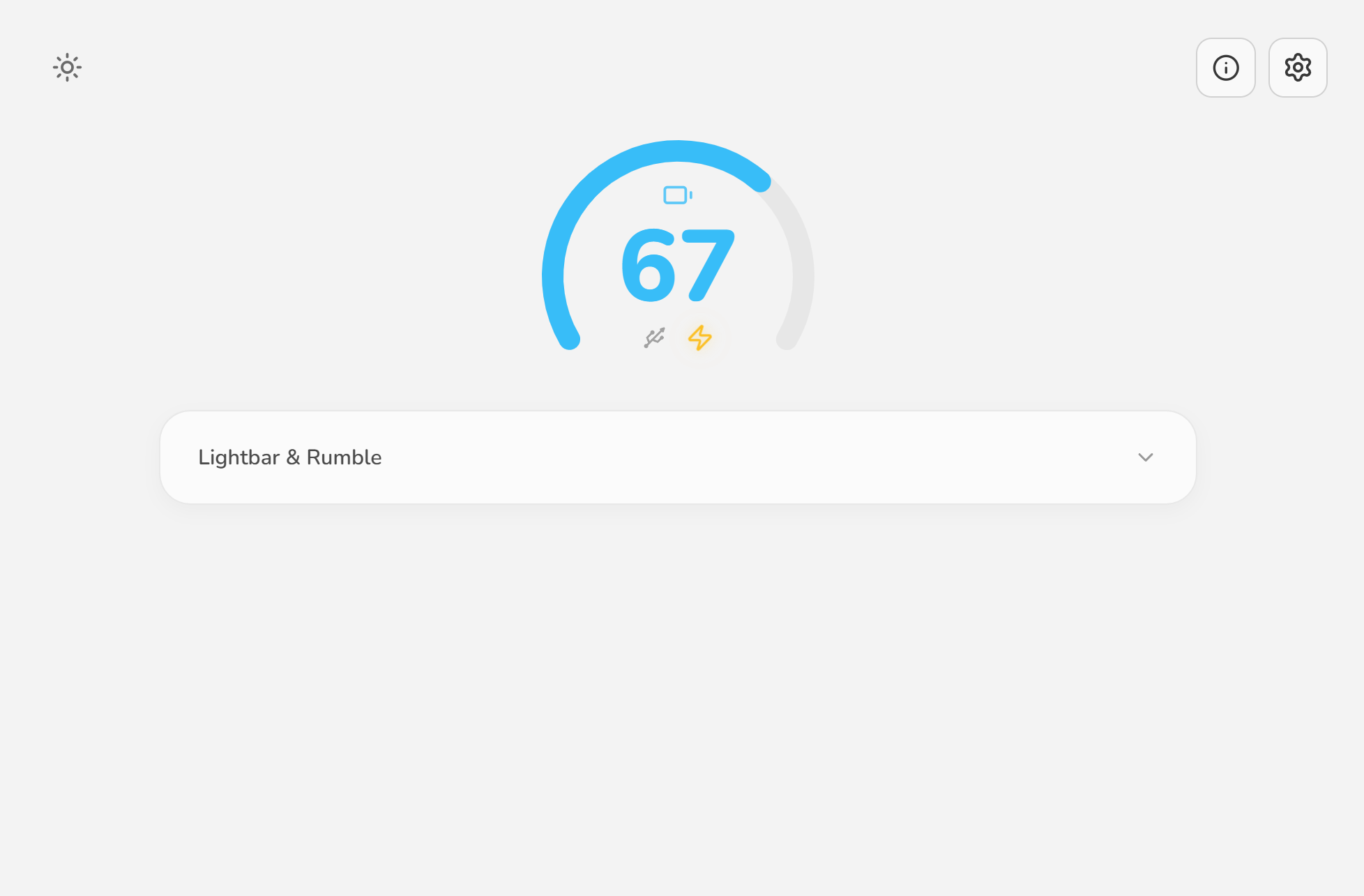
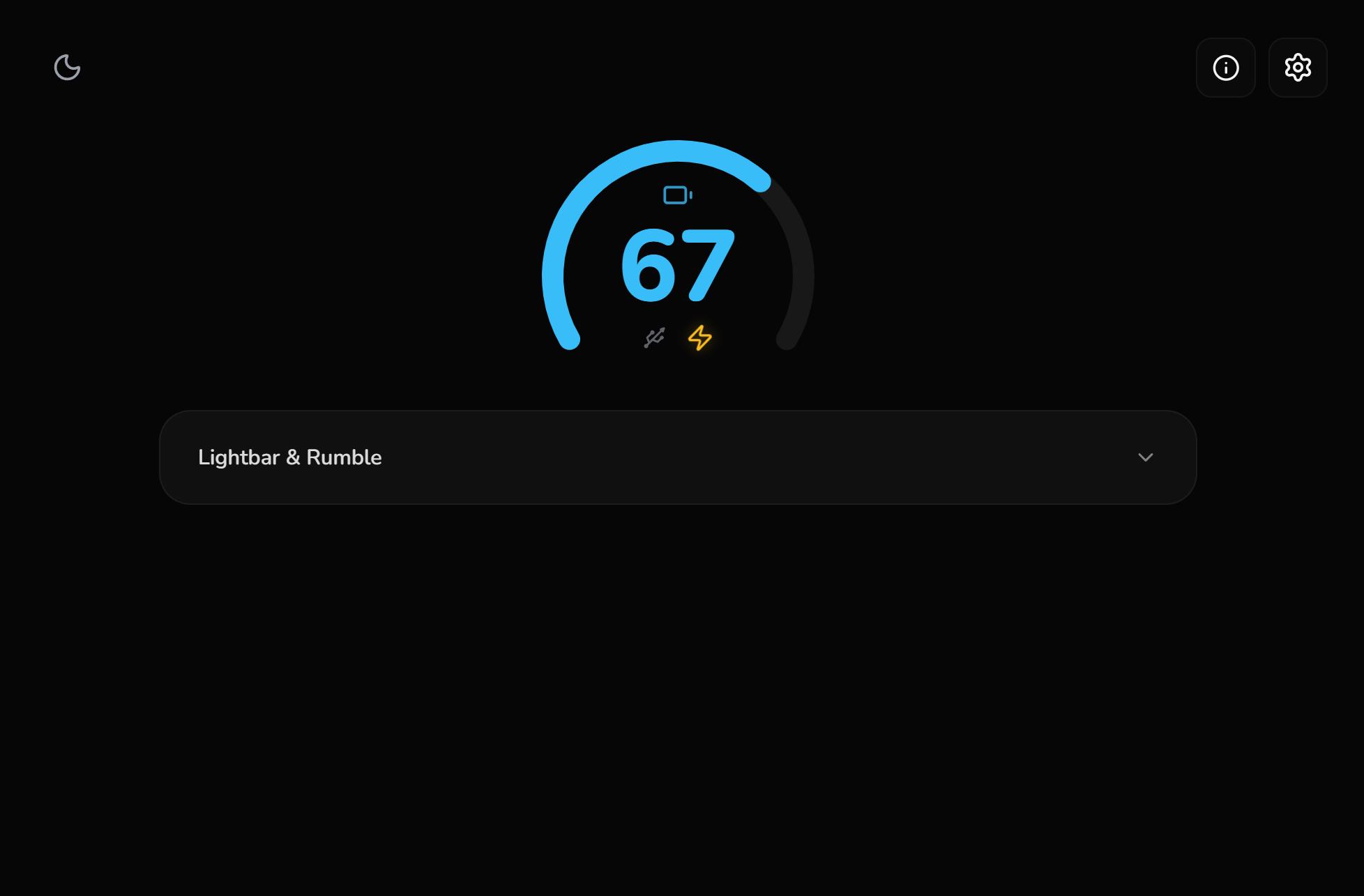
Monitoring battery level and customizing lightbar color.
Battery Monitoring
Real-time battery level tracking for both v1 and v2 models. Accurate reporting for wired and wireless connections.
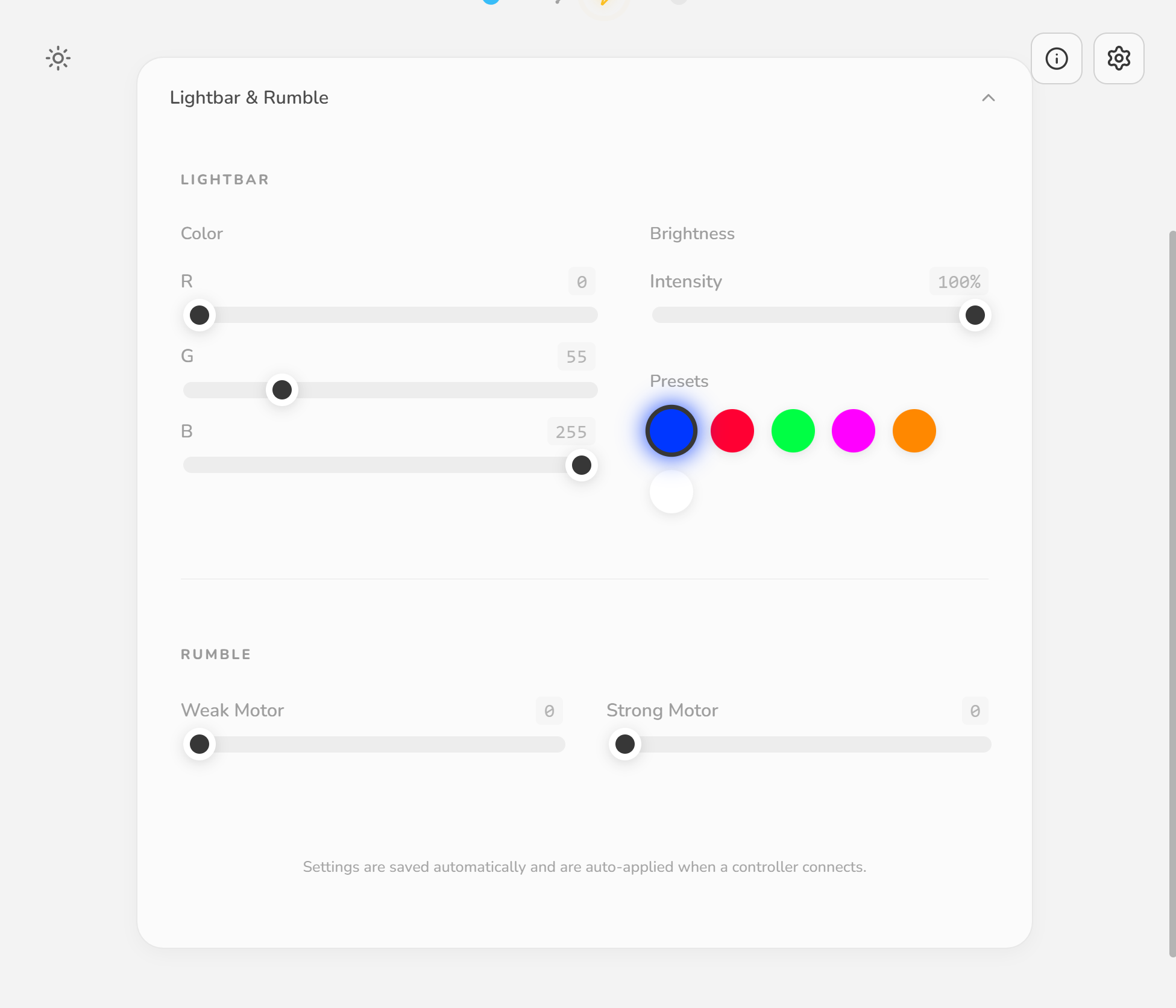
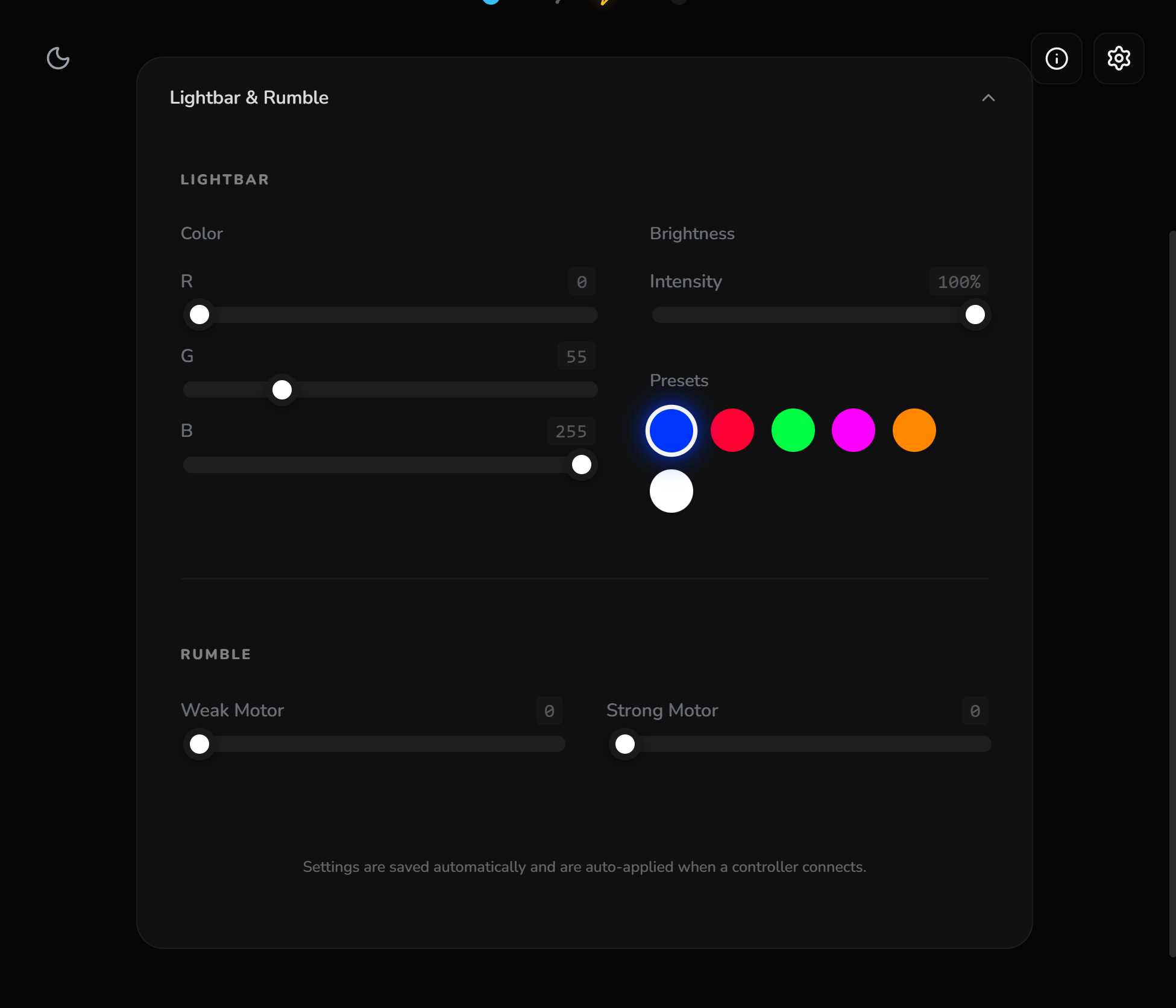
Lightbar Customization
Full control over lightbar color and intensity. Match the setup with precision.
Rumble Testing
Trigger rumble motors to verify connection and vibration functionality.
Mouse Emulation
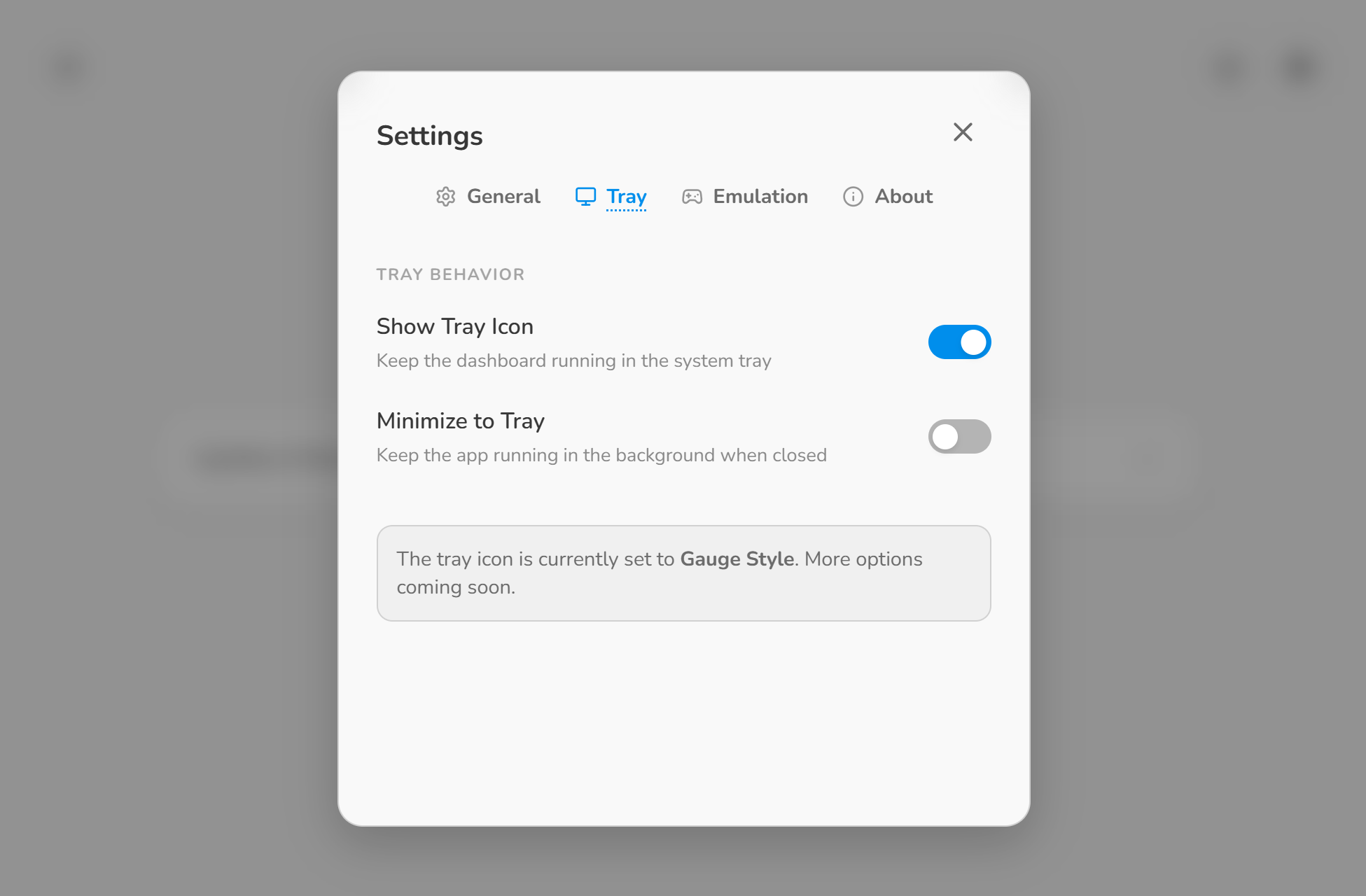
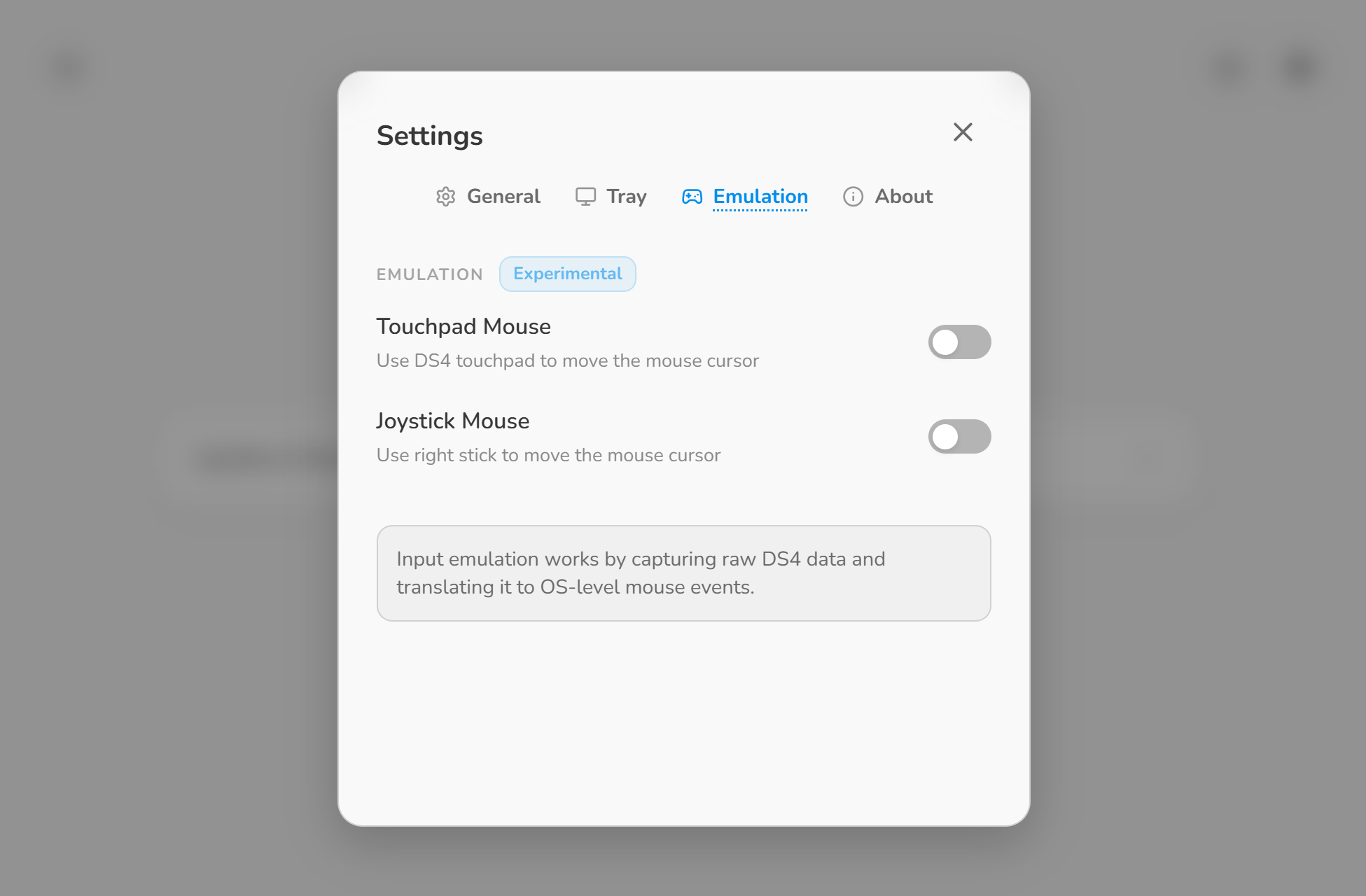
Control the system cursor directly using the controller's touchpad and analog stick for seamless navigation.
Low Footprint
Optimized Rust backend ensures minimal CPU and RAM usage. Efficient by design.
Instant Startup
No heavy background services. DS4 Dashboard opens instantly and maintains a minimal presence.
Your controller, your rules.
Motivation
I had long wanted to play Rocket League as it was meant to be played and to start learning advanced mechanics like tornado spins, air dribbles, and air rolls (tasks far easier on a controller than on keyboard and mouse).
Connecting to PC
Since I play on PC, I initially thought I needed a tool like DS4Windows just to connect the controller. However, I quickly discovered that this wasn't necessary at all. Modern Windows (Windows 11 on my setup) supports the DualShock 4 out of the box, and for any connection issues in games, Steam has a built-in feature called Steam Input that acts as an excellent compatibility driver layer. The connection itself was solved; I simply needed a reliable way to check my battery on PC.
Forks & Archives
While searching for dedicated battery tools, I realized that most software was either outdated or archived. The commonly recommended tool, DS4Windows, had been forked multiple times over the years. Some of these major historical forks (such as Jays2Kings, archived October 24, 2021, and Schmaldeo, archived March 5, 2026) were highly trustworthy during their active periods, but are no longer maintained.
In fact, I couldn't find a single native Windows tool dedicated strictly to displaying the controller's battery level. The only alternative I discovered was a web-based tool, WebHID-DS4. While it works well, it is browser-bound, buggy over Bluetooth connection, and Chromium's WebHID API requires explicit pairing permission from the user every single time the page connects.
Generative Search & Malicious SEO
Relying on AI-generated summaries or Google’s “AI Overview” to find solutions can be highly misleading. For instance, a recent AI-powered search output falsely claimed that long-archived, outdated forks of DS4Windows were still active, directing users to dangerous destinations:
Building a Custom Solution
Knowing that these forks had been officially archived, I decided not to deal with outdated or unmaintained codebases. Instead, I wanted to build a clean, minimal project dedicated strictly to my own requirements: reliably monitoring battery level and eventually implementing lightbar customization.
By selecting Rust and Tauri for the core architecture, I ensured the dashboard runs with an exceptionally low memory and CPU footprint, delivering a lightweight, highly responsive control center for custom lightbar and battery monitoring. At its heart, it is a tool born from a pursuit of pure simplicity: honed to execute its core objectives flawlessly.100% Organic Human Text
The Core Purpose
A reliable way to check my DS4 controller's battery on PC.
Genuine DS4 Buyer's Reference (EU)
"Windows protected the PC"?
When running the DS4 Dashboard installer for the first time, you might see a Windows SmartScreen warning. This is normal for new open-source software that hasn't built a "reputation" with Microsoft yet.
How to run
Click "More Info" and then "Run anyway".
Why the warning?
Certificates cost hundreds of dollars per year. The focus remains on keeping this tool free and open-source.